
Where Was This Movie Scene Filmed? Finding Filming Locations
By Sam D. · · 6 min read
Short answer
To find out where a movie or TV scene was filmed, look up the title’s filming locations on IMDb and on location guides, then read the end credits and the production section of its Wikipedia article. One city often stands in for another, so match the buildings in the frame and confirm the spot in Street View.
Find where your photo was taken
Upload a photo: GeoSpy AI reads its GPS data if it has any, and otherwise estimates the place from what it shows.
A scene can look like Boston and be Alberta. Productions shoot wherever the permits, the crews and the budget work, so the place on screen and the place in front of the camera often differ. For released films and shows, the answer is usually written down somewhere. If you only have a frame, you can locate a frame with AI for a first lead; the steps below show where filming locations are recorded and how to check them.
This guide is about movies and TV. For a clip someone filmed on a phone, see how to find where a video was filmed; for a still you captured from a screen, the screenshot guide covers the image file itself.
Does IMDb list where a movie was filmed?
Often, yes. IMDb’s filming locations list records where the filming took place, not necessarily the place the story portrays. Entries can carry a “(studio)” note, an “(as …)” attribute when one place stands in for another, and a note on which part of the title used it.
Read the attributes, not only the place names: they tell you which scene a location belongs to. Contributors submit the entries, and IMDb’s guidelines accept a location whether or not it appears in the credits, so treat each one as a lead to confirm. Wikidata keeps the same fact as structured data: its “filming location” property is the actual place where a scene or film was shot, kept apart from the “narrative location” where the story is set.
Which sites track movie filming locations?
Dedicated location guides go further than IMDb. The Worldwide Guide to Movie Locations covers films by title and by place, Reelstreets documents the then and now of built-up movie locations, and a film’s Wikipedia article often cites news reports from the shoot.
For a TV show, search the series, the episode and “filming location”. Fan wikis cover big franchises scene by scene, and local news often reports a shoot because it closes streets. Crew members post behind-the-scenes photos too: GameSpot used coordinates in images shared by The Last of Us cinematographer Eben Bolter to place one of the show’s scenes.
What do the end credits tell you?
Credits often name where a film was shot. Look for lines such as “Filmed on location in…”, thanks to film commissions, councils, landowners and businesses, and the names of studios and stages. A thanked town, estate or company is a strong lead for the scene you are after.
Pause the credits and read the thanks section slowly: it can be the only place a small town or a private estate is named. Search each name together with the film title; that often leads to a news story or a location guide entry that ties it to a scene.
Was this scene filmed on location or on a set?
Often neither is what it seems. Productions double one city for another, film streets on studio backlots, build sets and add skylines with visual effects. HBO’s The Last of Us filmed its first season in Alberta, Canada, although its early episodes are set in and around Boston.
In the third episode, a scene presented as “10 miles west of Boston” was shot in Kananaskis, Alberta, more than 2,000 miles west of Boston, GameSpot reported. The same episode shows a Cumberland Farms, a New England convenience chain, and the production built an entire town for it. Studios keep standing streets for the same reason: the Universal Studios Lot in California has sets such as Courthouse Square and Colonial Street, where productions from Back to the Future to Desperate Housewives were filmed.
So read the frame the way a location scout would. Shop signs, street names and license plates are easy for a production to change; rooflines, bridges, mountains and the shape of a street are not. A city you recognize from its signs may be another city entirely.
Can a screenshot of the scene find the place?
Yes, if the location is distinctive. Take a clean frame without subtitles or logos, run it through a reverse image search, and look for stills, fan pages and location guides that used the same shot. Then confirm the spot in Street View, matching buildings rather than signs.
- Step 1Pick the clearest framePause on a wide shot with buildings, a skyline or a coastline, and crop out subtitles, the channel logo and the black bars.
- Step 2Run a reverse image searchStills from popular films are posted widely, so a reverse image search often returns the scene with its title and location.
- Step 3Name the landmark or cityA famous structure settles it fast; our guide to identifying a landmark covers the tools.
- Step 4Confirm in Street ViewFind the same angle from the street. Street View coverage is uneven, and the place may have changed since the shoot.
Can AI tell where a movie scene was filmed?
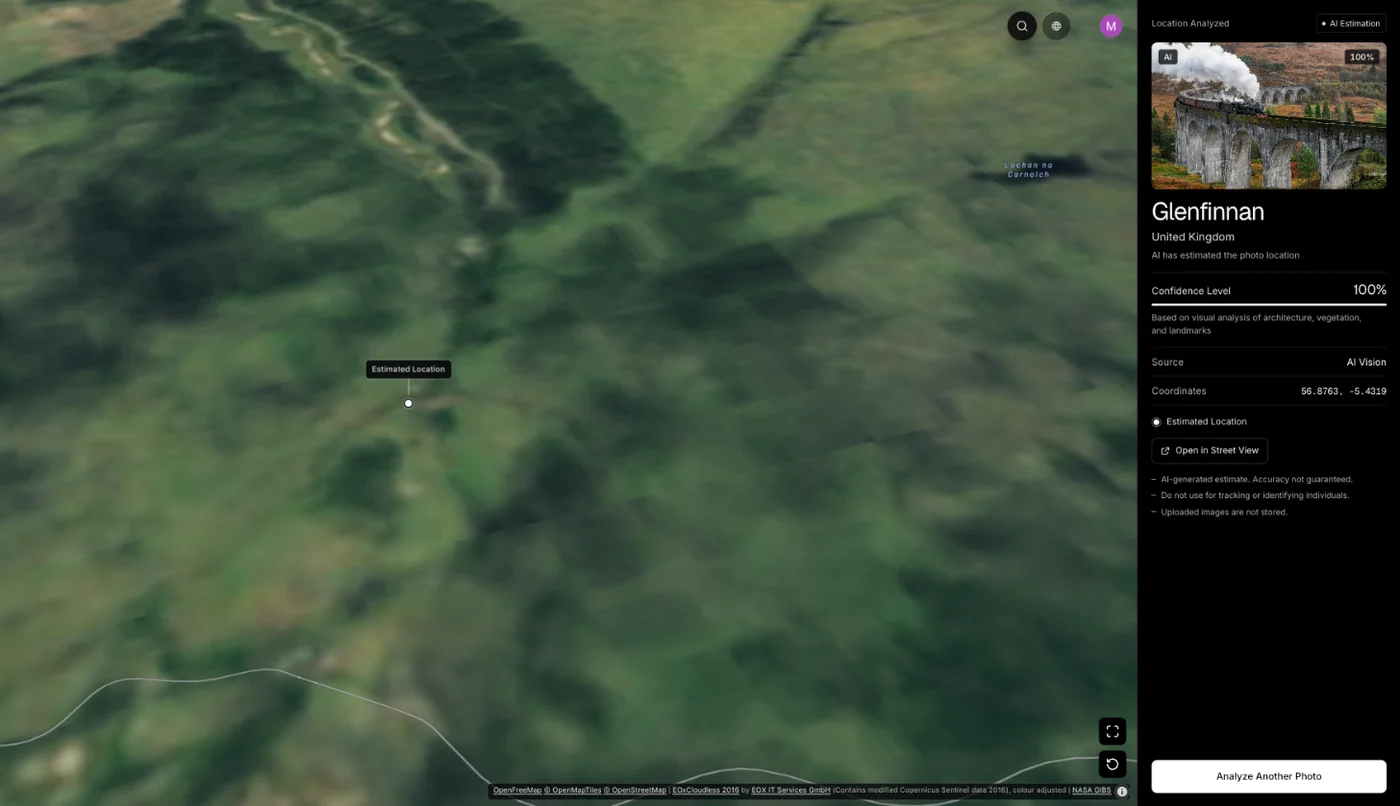
It can estimate it from a frame. GeoSpy reads GPS from the file when it is there; without it, an AI model estimates the place from what the frame shows, such as buildings, landscape and vegetation, and returns a location with a confidence score on a map. Check the estimate against the credits and IMDb.
An estimate works from what is in the frame, so it points toward where the camera stood, not where the story claims to be. For what such a model reads, see how AI geolocation works.
Frequently asked questions
- Where was this movie filmed if IMDb lists nothing?
- Check the end credits, the film’s Wikipedia article, location guides and local news from the shoot. Then search a clean frame with a reverse image search, since fans have often matched popular scenes already.
- How do I find a TV show filming location for one episode?
- Search the show, the episode title and “filming location”; fan wikis and local news often cover episode shoots. On IMDb, read the attribute next to each location, which says which part of the title it was used for.
- Why is a movie set in one city but filmed in another?
- Cost, tax incentives, permits and convenience. A city with studio space and experienced crews can play many others, and some streets are built on backlots or as sets.
- Can I visit a filming location?
- Public places, yes: streets, parks, landmarks and studio tours such as the Studio Tour at Universal Studios Hollywood. Private homes and businesses are someone’s property, so look from the street and leave the people there alone.
Sources
- Filming locations — IMDb HelpThe list records where filming took place, not necessarily the place portrayed, with studio and “(as …)” attributes.
- The Last Of Us’ “10 Miles West Of Boston” Scene Was Actually Filmed 2,000 Miles West Of Boston — GameSpotThe scene was shot in Kananaskis, Alberta, more than 2,000 miles west of Boston.
- The Last of Us (TV series) — WikipediaThe first season was filmed in Alberta from July 2021 to June 2022.
- Universal Studios Lot — WikipediaProductions filmed at the lot’s Courthouse Square and Colonial Street sets, from Back to the Future to Desperate Housewives.
Keep reading
How to Find Where a Video Was Filmed
Find where a video was filmed: read GPS from the original file with ExifTool, pull sharp frames with FFmpeg, reverse search them and verify. Tested commands.
· 14 min read
Where Was This Screenshot Taken? How to Find Out
Where was this screenshot taken? It has no GPS of the place it shows, so work it out from clues, reverse search and AI, and trace the original.
· 6 min read
How to Identify a Landmark From a Photo
Name a landmark or building from a picture with Google Lens, iPhone Visual Look Up, Bing or Yandex, and what to do when the building is not famous.
· 12 min read
Reverse Image Search vs AI Geolocation: Which Finds the Place?
Reverse image search location results come from photos already online; AI geolocation estimates the place in never-published ones. When to use each.
· 8 min read